Water
Water
Play PS Vita games on PC
Water is a game launcher for Windows that plays PlayStation Vita games. The first time you install one, it downloads the Vita3K emulator, checks it and sets it up. Then Play starts the game fullscreen, with your controller ready.
The PS Vita emulator, set up for you
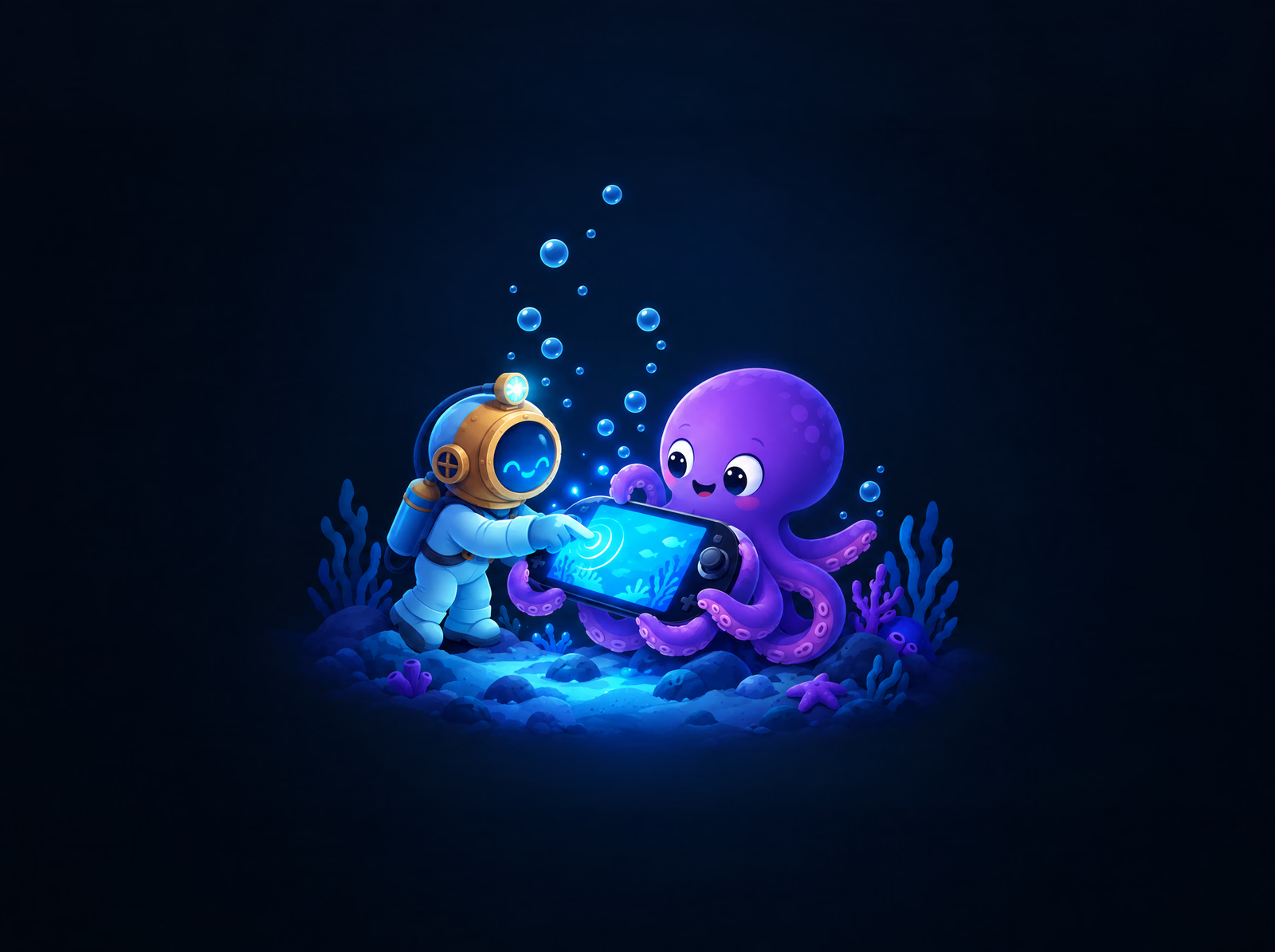
Water plays PlayStation Vita games with Vita3K, the free, open-source PlayStation Vita emulator made by its own team; Water isn’t affiliated with it. Water downloads its official release, checks it before using it, and sets what each game needs before it starts:
- Fullscreen, straight into the game, with no setup wizard and no settings to open.
- Saves for each profile, so nobody plays over someone else’s game.
- Your controller just works: DualShock 4, DualSense or Xbox, with no driver to install. A DualShock 4’s or DualSense’s touchpad is the Vita’s touch screen; an Xbox controller has no touch.
What your PC needs
Vita3K’s makers say it needs 4 GB of memory, and graphics that run OpenGL 4.4 or Vulkan 1.0.
Settings › PC Specs in Water compares your PC with each console, and a PS Vita game’s page says how well your PC plays it before you install.
By hand, or with Water
Playing a PS Vita game on a PC by hand is an evening of setup:
- Download the emulator and work through its settings: graphics, saves, controller.
- Find a copy of the game you can trust, and unpack it.
- Install the game into the emulator, and set it to start games fullscreen.
With Water, you press Install, then Play.
703 PS Vita games
Water lists 703 PlayStation Vita games, every one an English release with its cover, screenshots and details, downloaded straight from Sony’s servers.
The other consoles Water sets up: PS2 emulator, PS3 emulator, GameCube and Wii emulator, PSP emulator, PS1 emulator, DS emulator, GBA emulator, N64 emulator, SNES and NES emulator, and Xbox emulator.
Try it with a PS Vita game
Your first install is free: Water installs any one game, PC or console, and it stays installed. Press Install: the emulator, the game and your controller are set up by the time you press Play.